
Best Apps for Adults with ADHD in 2026: 7 Picks by Need

A to-do list has grown to forty items, the day is disappearing before you've started the first task, and there's an app on your phone you downloaded months ago and never opened again. If that sounds familiar, the right app may help by reducing friction, but the best choice depends on what's getting in your way: starting tasks, seeing how the day fits together, remembering commitments, or building routines.
ADHD is a neurodevelopmental condition that can affect executive functioning, including planning, organizing, and following through. An app can provide reminders or structure, but it isn't a treatment and won't resolve every difficulty that comes with ADHD. Apps tend to work best as part of a broader plan that may include therapy, medical evaluation, or medication management where appropriate.
The best apps for adults with ADHD aren't necessarily the ones with the most downloads or the most elaborate features. I've grouped these seven picks by the problem each is designed to address, and included where each one may fall short. The aim is to help you choose one useful tool, not assemble a second job out of managing apps.
Table of Contents
1. Tiimo for seeing the day - Where Tiimo helps, and where it doesn't
2. Inflow for ADHD-informed learning - A learning tool, not individual care
3. Goblin Tools for finding a first step - Keep the breakdown grounded
4. Focusmate for starting alongside someone - Accountability without coaching
5. Structured for a visual daily plan - Don't let the plan become another project
6. Finch for gentle routine support - A small nudge, not a complete system
7. Todoist for flexible task management - Start with fewer settings
1. Tiimo for seeing the day
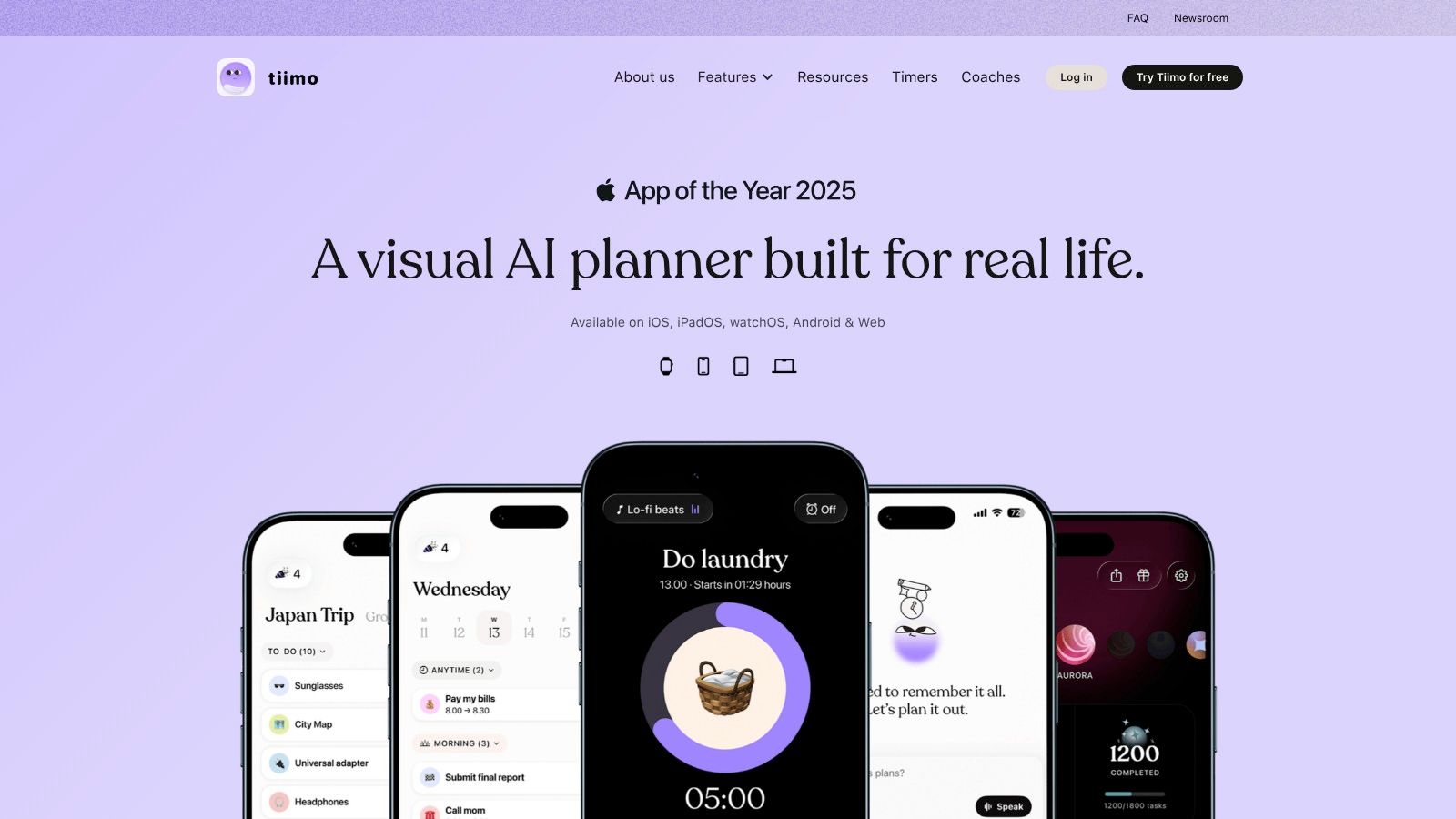
A long list can show what you need to do without helping you picture when you'll do it. Tiimo turns tasks and routines into a color-coded daily timeline, which may make the shape of the day easier to grasp at a glance.
You can drag tasks into the schedule, set reminders, use a focus timer, and build routines. Its AI co-planner can help organize tasks into a plan, and the app syncs with Apple Calendar and Reminders. Tiimo is co-designed with ADHD and autism experts, and a basic version is available to try before considering Pro features.
Where Tiimo helps, and where it doesn't
A visual timeline can make time feel more concrete than a list does. If you tend to overfill your day, seeing tasks arranged in sequence may make it easier to notice that there isn't room for every intention. A color-coded plan can also make transitions between activities more visible.
But a schedule can't make you start or finish a task. If you're prone to putting too much into a day, it's easy to create a beautiful, unrealistic timeline that becomes one more thing to feel bad about. Use the plan as a flexible guide, not a test of whether you've done enough.
Practical rule: Schedule fewer tasks than you think you can manage, then leave room for transitions and interruptions.
The free version offers a low-commitment way to see whether the visual format works for you. Web access requires a trial or paid subscription, and subscription options vary by platform and location. Tiimo is most useful if seeing your day is the problem. If you need help breaking down a vague task or remembering appointments, it may not be the only tool you need.
2. Inflow for ADHD-informed learning
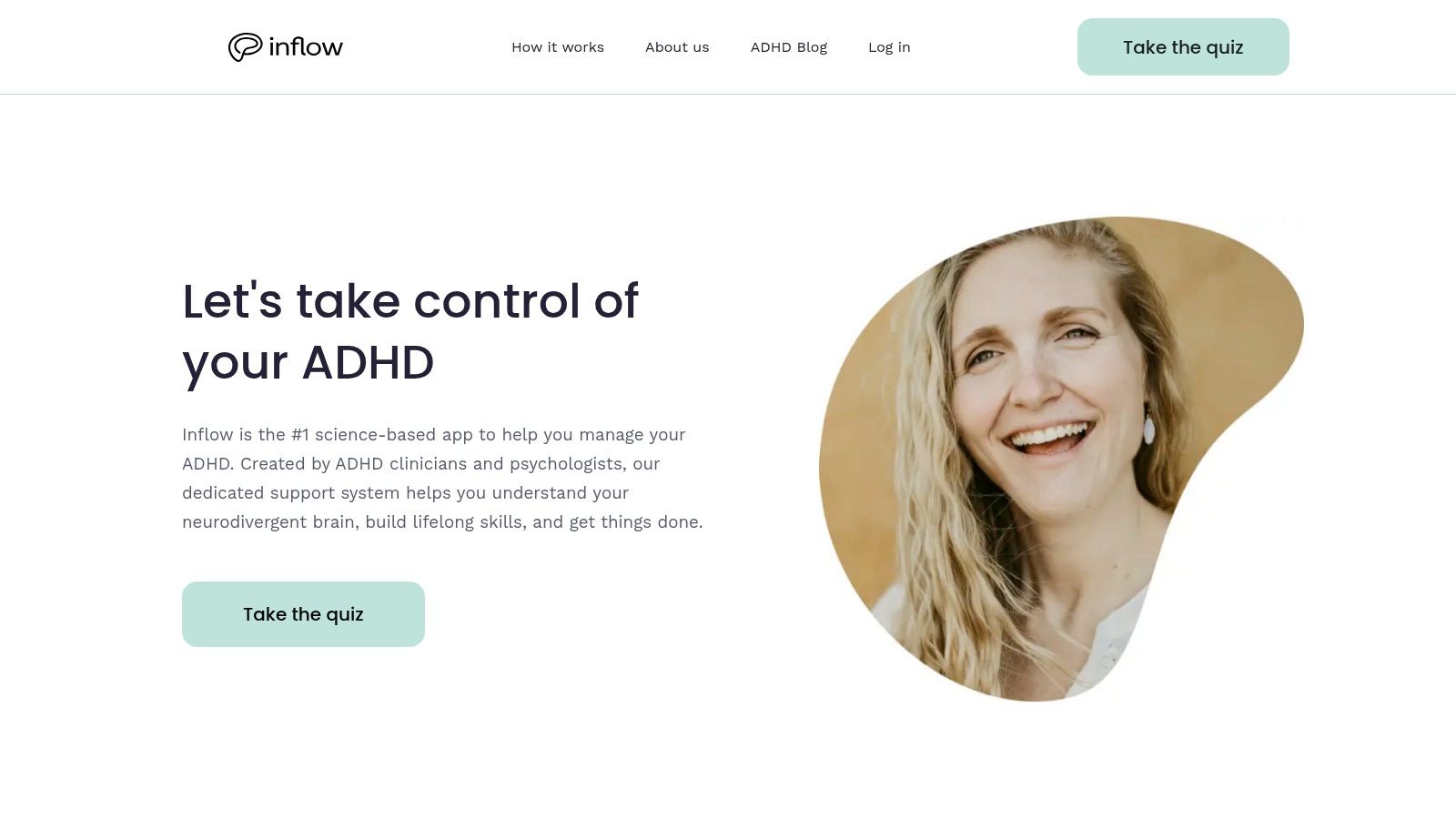
Some adults don't need another place to store tasks. They want practical ways to understand ADHD and respond to familiar challenges, such as avoidance, impulsivity, anxiety, or difficulty getting organized. Inflow is a self-guided program built around ADHD-focused learning, with short exercises, interactive journaling, prioritization tools, and habit-building activities.
That makes it different from a general planner. You can use it to learn and practice strategies, then pair it with a calendar or task manager that handles your actual schedule. A peer community and access to ADHD-informed guidance offer additional ways to engage with the material.
A learning tool, not individual care
Short exercises may be easier to fit into a busy routine than a long course. The seven-day free trial can help you decide whether the format suits you before paying. Discounts for students or people seeking more affordable access may also be available.
The trade-off is that a self-guided program still asks you to open it, engage with the material, and put lessons into practice. If regular app use is hard for you, the lessons may go unfinished even when the content is useful. Google Play feedback was mixed in the listing reviewed, so it's sensible to try the format before committing.
Inflow isn't individual therapy or medical care. It won't provide a personalized assessment of whether ADHD, anxiety, depression, sleep problems, or something else is affecting your daily life. For readers who want to understand why a pattern keeps repeating, rather than just organize the next task, it may be a useful learning supplement. For task scheduling, it's not a replacement for a dedicated planner.
3. Goblin Tools for finding a first step
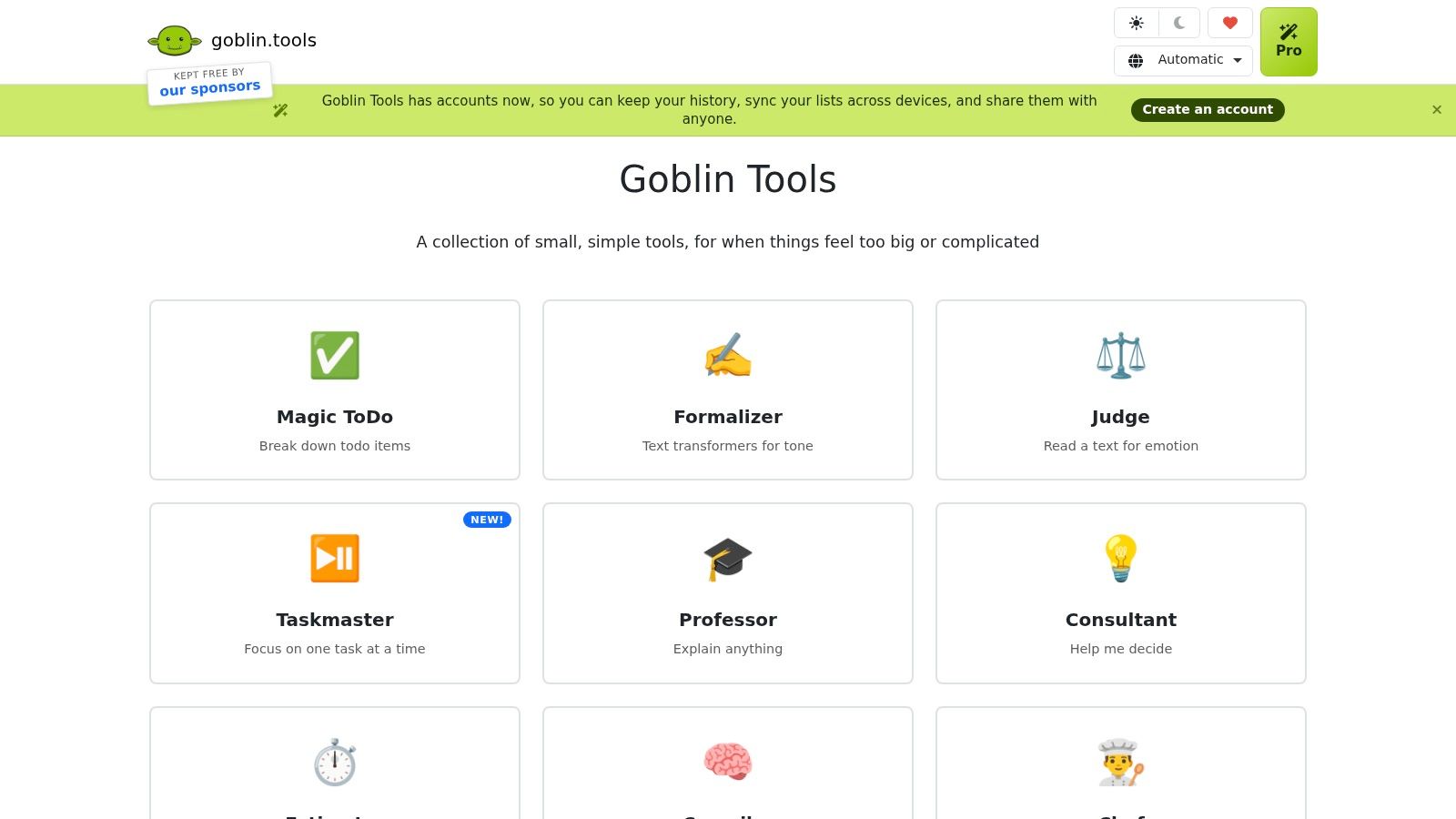
“Deal with the paperwork” can feel like one task, but it may mean finding the documents, sorting them, filling out a form, and sending it somewhere. When the next action isn't obvious, it can be hard to begin. Goblin Tools is a collection of small tools designed to make tasks like that easier to approach.
Magic ToDo breaks a broad task into smaller steps. Estimator suggests how long an activity might take, while Compiler turns a brain dump into actions. Lists can be exported to services including Todoist and Notion. The web tools are free and don't require an account.
Keep the breakdown grounded
This kind of tool can help when you know what needs doing but can't see a manageable first move. For example, instead of leaving “sort out the kitchen” on your list, you might get concrete actions such as clearing one counter or putting away dishes. You can adjust the breakdown to match the level of detail you need.
AI-generated steps and time estimates can be wrong. Treat them as suggestions, not instructions, and edit anything that doesn't fit the task. Goblin Tools also doesn't provide a full calendar or reminder system. Optional Pro features add sync and saved history, but for many people the simplest use is to generate a starting list and move it into a tool they already check.
A breakdown is useful when it gets you moving. It doesn't need to become a perfect plan.
If homework or other demanding projects are where you get stuck, this guide to research for homework offers another way to think about getting from a large assignment to a first step. Goblin Tools is a practical fit for task initiation, not an all-purpose place to manage your day.
4. Focusmate for starting alongside someone
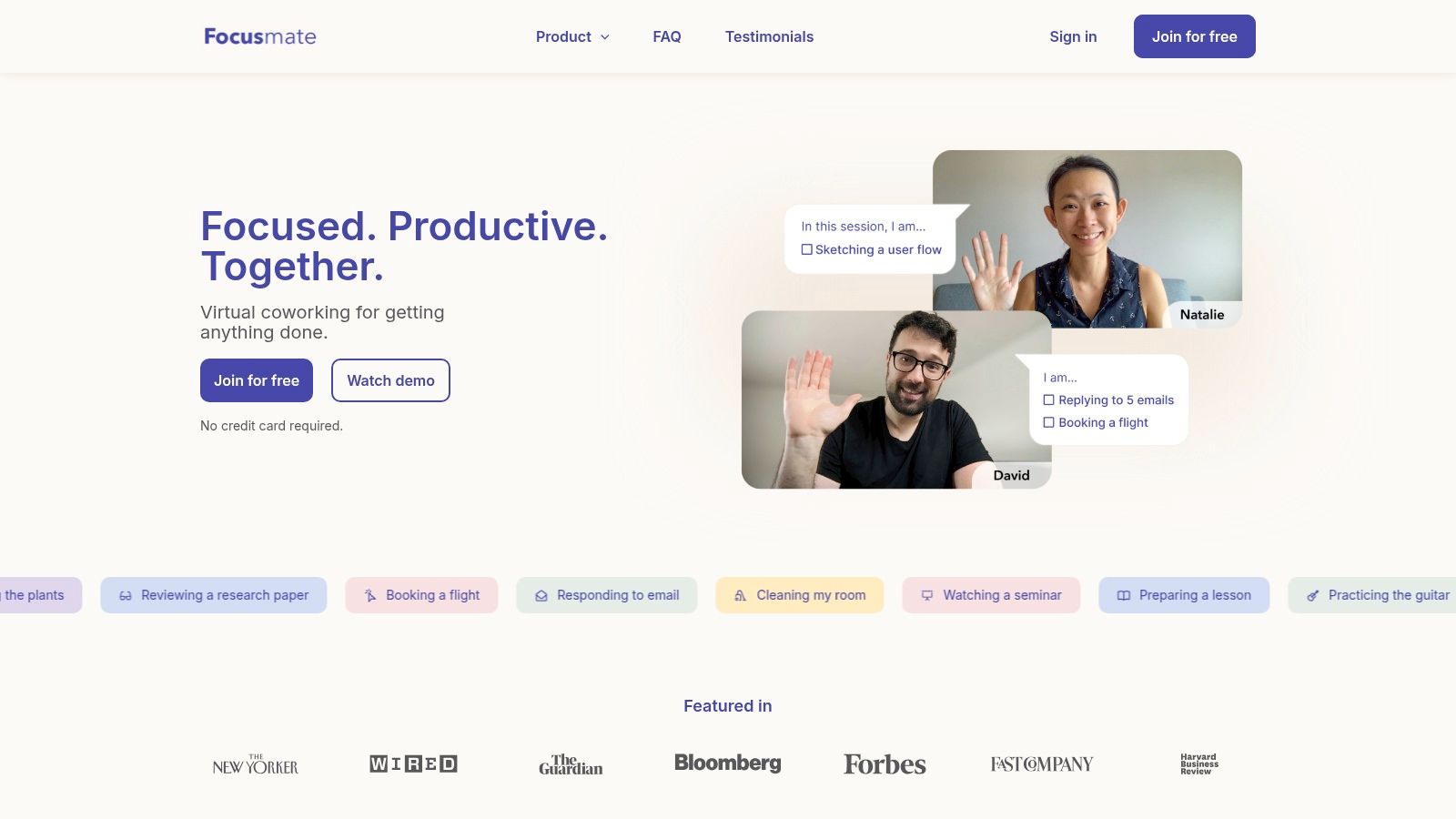
A scheduled start and another person's presence can make it easier to begin a task you've been avoiding. Focusmate is a virtual co-working service: you book a video session, tell your partner what you plan to work on, work, and check in at the end.
Sessions are available in 25-, 50-, or 75-minute blocks. You can use them for desk work, reading, household chores, or administrative tasks. The free tier includes three sessions per week, with no credit card required. Focusmate runs in a browser, though you can add it to your phone's home screen.
Accountability without coaching
Focusmate isn't therapy, coaching, or task planning. Your partner is there to work alongside you, not to solve the task or monitor your performance. The structure can be enough to help you get started, especially when you work better with someone nearby.
The trade-offs are real. You need to book ahead, and a video call with a stranger may feel distracting or uncomfortable. It's also a website rather than a dedicated mobile app, so people who want a polished phone-based planner may prefer a different tool.
If concentration is getting tangled up with stress at work, this article on difficulty concentrating at work may help you consider what else could be going on. Focusmate may give a work session a useful start and finish, but it can't tell you why the task feels hard or help resolve every pattern behind avoidance.
5. Structured for a visual daily plan
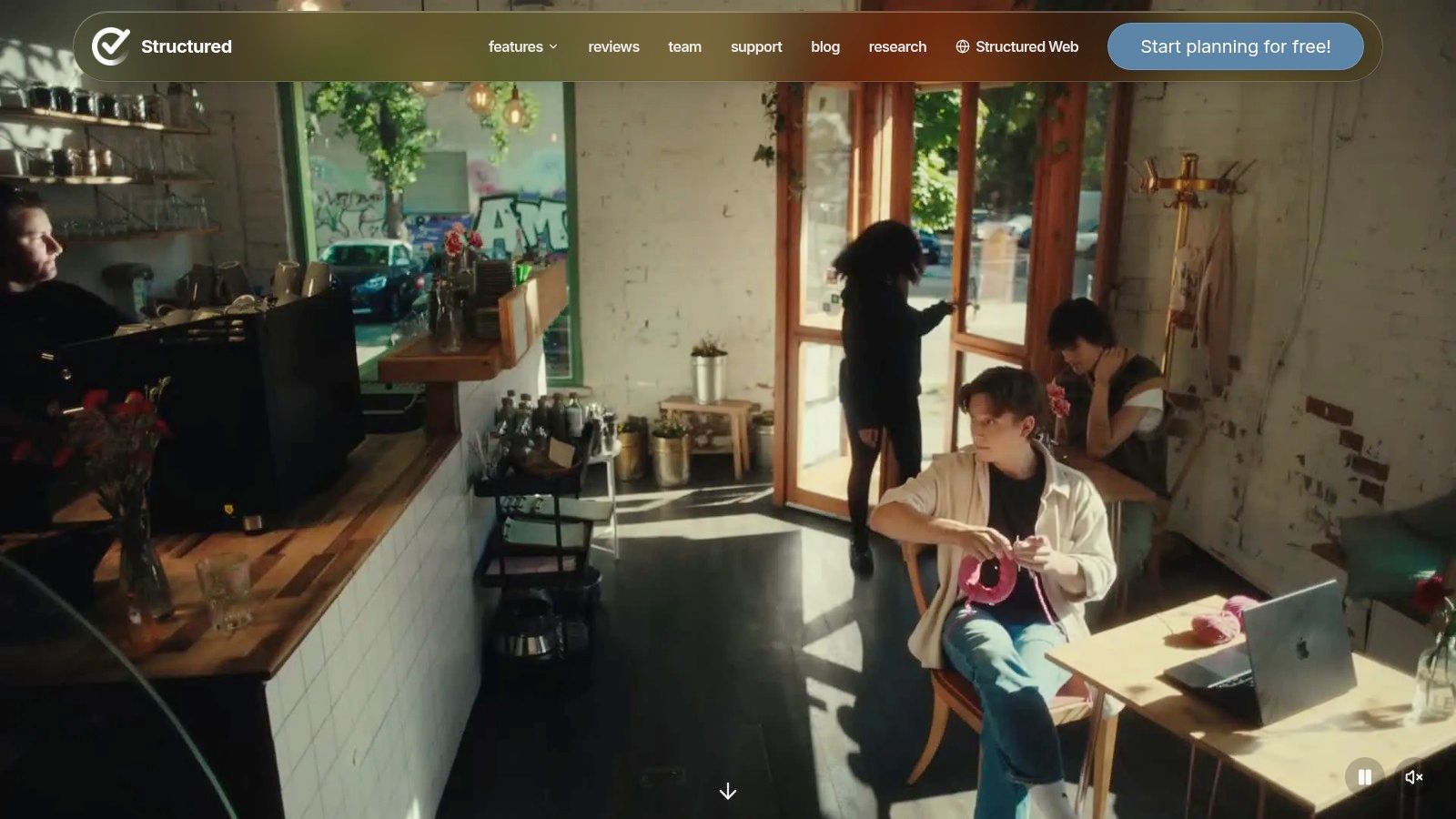
If you prefer to see one day laid out in order, Structured combines tasks and appointments in a visual daily timeline. You can drag tasks into place, capture ideas in an inbox, and add subtasks or notes to larger projects. A focus timer and widgets offer ways to bring the plan closer to where you'll notice it.
The basic version includes planning and focus tools. Paid features add calendar connections, recurring tasks, and automated replanning when you miss something. That last feature may be helpful if a disrupted morning tends to make the rest of your schedule feel unusable.
Don't let the plan become another project
A timeline is only as helpful as it is current. If you spend too much time adjusting it, it can become a planning activity that replaces the work you meant to do. Keep the plan simple, and update it when a meaningful change happens rather than trying to make every hour look perfect.
Structured may suit you if a single visual view feels easier to use than a collection of lists. Some features, including calendar connections and recurring tasks, require Pro, and App Store options and prices vary. If you mainly need to capture tasks quickly and set reminders, a general task manager may be enough.
For more on matching digital tools to planning and follow-through needs, this guide to apps for executive functioning can help you consider what kind of support you want. Structured overlaps with Tiimo, so there may be little benefit in maintaining both unless they solve different problems for you.
6. Finch for gentle routine support
When drinking water, taking a break, or pausing to reflect keeps slipping off the radar, Finch offers a softer kind of structure. The self-care app uses a virtual pet and small personal goals to encourage everyday actions. You can check off goals, respond to reflection prompts, try mood-oriented activities, and earn in-app rewards.
Finch isn't an ADHD-specific treatment app or a full task manager. Its main strength is helping make small self-care actions more visible and rewarding. Core features are free on iOS and Android, with Finch Plus available as an optional subscription.
A small nudge, not a complete system
Finch may suit you if a complex planner feels like too much and you want a gentle prompt to take a break or complete a basic routine. The goals can stay small, which is important when a long checklist would add pressure rather than support.
The virtual pet and reward system won't appeal to everyone. If you find game-like features irritating or infantilizing, it may not be a good fit. Finch also isn't designed to manage appointments, large projects, or a detailed work calendar. Use it for self-care routines, not as a substitute for a system that holds commitments and deadlines.
7. Todoist for flexible task management
Todoist is a general-purpose task manager, not an app made specifically for ADHD. It gives you a place to capture tasks, organize projects, set due dates, and create recurring tasks and reminders. List and board views offer different ways to look at the same work, and the app syncs across devices and services.
Start with fewer settings
A free plan includes reminders and core task-management features. Pro adds calendar and task-duration features for people who want more detailed planning. The flexibility is useful, but it can also invite a lot of setup. Projects, filters, and settings can become another system you need to maintain, and calendar layout and custom reminders require a paid plan.
For a simple start, create a short list and use only the features you need to capture tasks and remember deadlines. Add projects or filters only when a real problem calls for them. A tool doesn't become more ADHD-friendly just because it has more ways to organize information.
Todoist may work well if you want one flexible task list across different parts of your life. It may not suit you if you need tasks laid out visually across a day, help breaking a large task into steps, or ADHD-focused learning. Keep the setup small enough that you'll still use it when you're busy or having a difficult week.
How the seven apps compare on use, format, and cost
Item | Best for | Free option | Format | Calendar or reminders |
|---|---|---|---|---|
Tiimo | Visual daily planning and routines | Free basic version | Visual planner app | Reminders and Apple Calendar sync |
Inflow | ADHD-focused strategies and skill-building | Seven-day free trial | Self-guided program | Prioritization tools, not a calendar |
Goblin Tools | Breaking overwhelming tasks into steps | Free web tools | Collection of focused web tools | No full calendar or reminder system |
Focusmate | Accountability and getting started | Three sessions per week | Virtual co-working website | Book scheduled work sessions |
Structured | Seeing tasks and appointments in a daily timeline | Free planning and focus tools | Visual planner app | Calendar connections and recurring tasks require Pro |
Finch | Building small self-care routines | Free core features | Self-care app with a virtual pet | Personal goals, not a full calendar |
Todoist | Organizing tasks and projects | Free plan with core features and reminders | General-purpose task manager | Due dates, recurring tasks, and reminders |
Choosing One App to Start With
The practical question isn't which app is the most impressive. It's which single problem is costing you the most time right now. If you can't start a large task, try Goblin Tools. If you lose track of how the day fits together, consider Tiimo or Structured. If you forget small self-care actions, Finch may feel more approachable. If you need a scheduled start alongside another person, try Focusmate.
Pick one tool and test it for two weeks. Keep the test narrow: notice whether you started tasks more easily, remembered more commitments, or followed a routine with less effort. Also notice whether the app reduced friction or added another list, reminder, and set of settings to maintain. If you stop using it, that's useful information about the fit, not proof that you lack discipline.
Apps can provide external structure, but they rarely resolve shame, avoidance, or anxiety on their own. ADHD can affect work and daily tasks as well as emotional regulation, self-esteem, and relationships. If the same difficulties keep returning, or if anxiety, depression, sleep problems, or substance use concerns are adding to the strain, a conversation with a clinician or medical evaluation may help you understand what kind of support fits.
Therapy is broader than productivity advice. It can help you make sense of how ADHD shows up in your life, understand patterns that keep you stuck, and build practical strategies that work with your brain rather than against it. Nick Donahue LICSW offers individual therapy in person in Washington, D.C., and virtually across D.C. and Virginia. A free 15-20 minute phone or video consultation is a low-pressure way to ask questions and see whether the fit feels right.
Nick Donahue LICSW offers individual therapy for teens and adults navigating ADHD, anxiety, relationships, emotional regulation, and life transitions in Washington, D.C., and virtually across D.C. and Virginia. If you'd like to explore support that goes beyond organizing tasks and apps, visit Nick Donahue LICSW to learn more or schedule a free consultation.
Comments